October 22 maintenance: the Debt System
Accounts tied to real money trading or unfairly gained mesos and items now owe Nexon a debt in mesos. Their shops and trades stay locked until it's paid.
Where the debt came from
Earlier, Nexon had announced temporary bans for players caught buying or selling mesos and items for real money. The Debt System followed those bans.
It applies to accounts involved in real money trading and to accounts that traded mesos or items obtained unfairly. Every such account gets a debt, which Nexon collects in mesos.
Nexon hasn't said how it sets the amount of a debt or what counts as an unfair trade.
What a debt blocks
- Opening Store Permit shops and Hired Merchants
- Trading game items or Cash items
- Sending gifts from the Cash Shop
- Dropping items on the ground
A pop-up at every login shows how much you owe and which limits apply. A Repay Illegal Mesos button sits at the top center of the screen until the debt is paid off.
You can still hunt and do quests. Since October 29, though, you can't pick up mesos and items that other players drop.
Every trade lock so far
Since launch, three kinds of trade lock can apply to an account. Each one starts differently and lifts differently.
- New account: full trading starts 24 hours after one of your characters reaches level 15
- Debt: no shops, trades, Cash Shop gifts or dropping items until the debt is paid
- Debt, from October 29: no picking up mesos or items dropped by other players
- First NX purchase: no Cash item trading for 96 hours, and from November 4 no Megaphones either
The new account lock and the NX lock expire by themselves. Debt stays until you've paid back every meso.
Nexon says it will keep an eye out for real money trading and any other abnormal play that breaks the Terms of Service.
How to pay off the debt
Payment only works in a town. The steps are:
- Click Repay Illegal Mesos at the top center of your screen
- Type in the amount of mesos to repay
- Press Confirm, then OK to pay, or Cancel to close the window
The amount box is prefilled with your full debt, or with all your mesos if you have less than that. Payments can be as small as 1 meso, up to whatever you're carrying.
Paying the last meso removes both the limits and the button. If your debt amount looks wrong, reach out to Player Support.
- Paying in parts: with a 1 meso minimum, you can spread the debt over several payments
- Mesos in storage: payment comes from your inventory, so withdraw stored mesos first
- Where to pay: hunting maps and dungeons won't work, so head back to a town
What it means for mesos.gg listings
Accounts in debt can't open a Store Permit shop or a Hired Merchant, so their items never appear in the mesos.gg Free Market listings.
After the debt is cleared and the shop reopens, its listings appear like any other shop's.
If you've never run a shop, The Journey Begins check-in event hands out a Regular Store Permit on day 4 and day 12. The permit can't be traded and lasts 7 days.
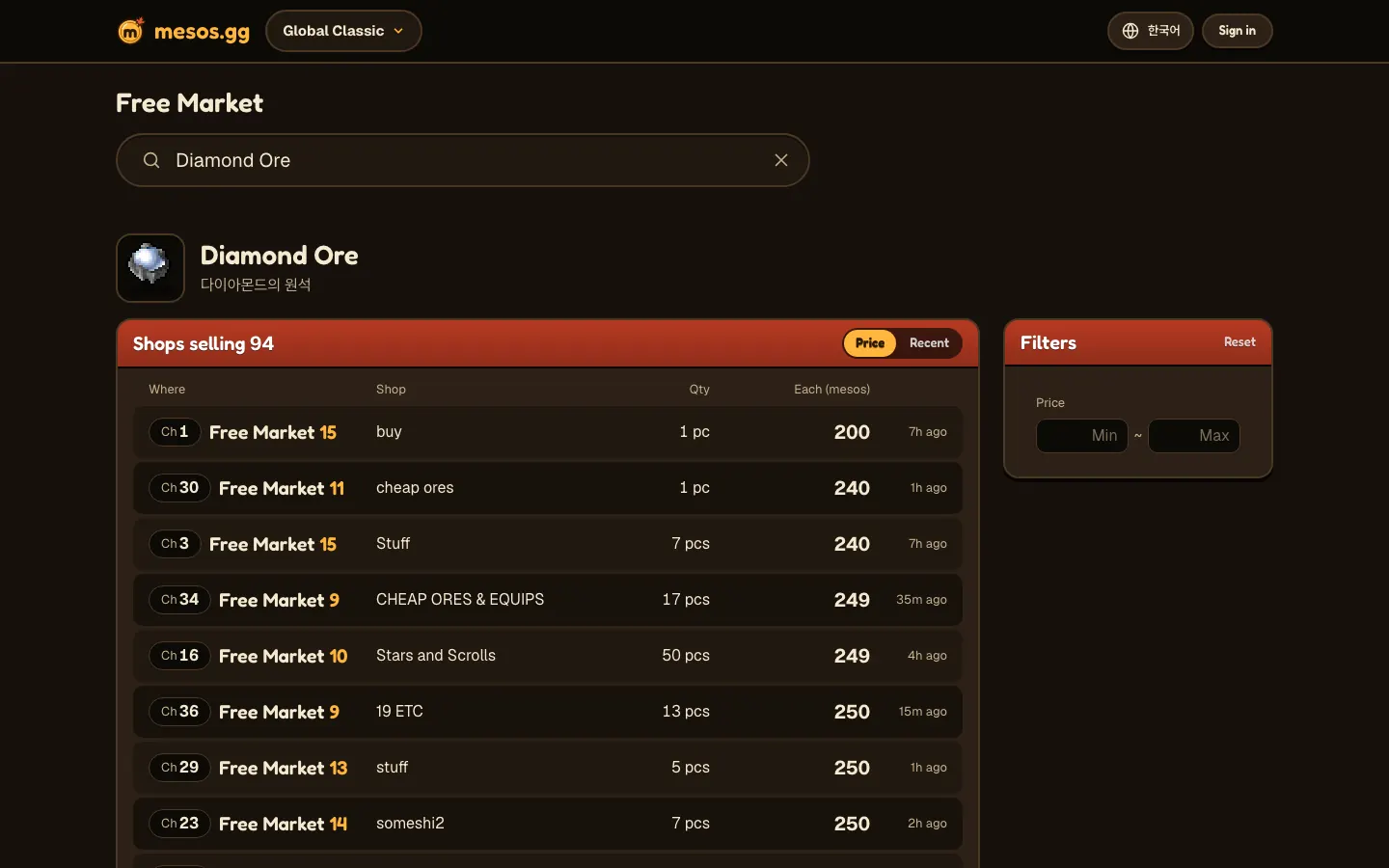
On a Free Market item page, every shop selling that item is listed from cheapest up. Each row gives the channel, room, shop title and quantity.
Everything else in this maintenance
- Further stability work, since more players showed up after Grand Launch than expected
- Green is back as an option on the Signature Eye Color Coupon
- Accounts still short of the trade requirement (level 15 plus 24 hours) can now drop Kerning City Party Quest coupons and passes
New accounts can trade 24 hours after one of their characters reaches level 15. Until then, a bug kept them from dropping party quest coupons, and this patch fixed it.
You can start Kerning City Party Quest at level 21 by talking to Lakelis in Kerning City. As for the stability work, the notice doesn't say what changed.
Timing and compensation
On October 22 the servers were down from 1 PM to 3 PM PDT. Nexon announced the end of maintenance at 2:14 PM.
Cash items in your inventory were extended by 2 hours. You'll need to restart the Nexon Launcher or Steam for the new client.
The Free Market front page
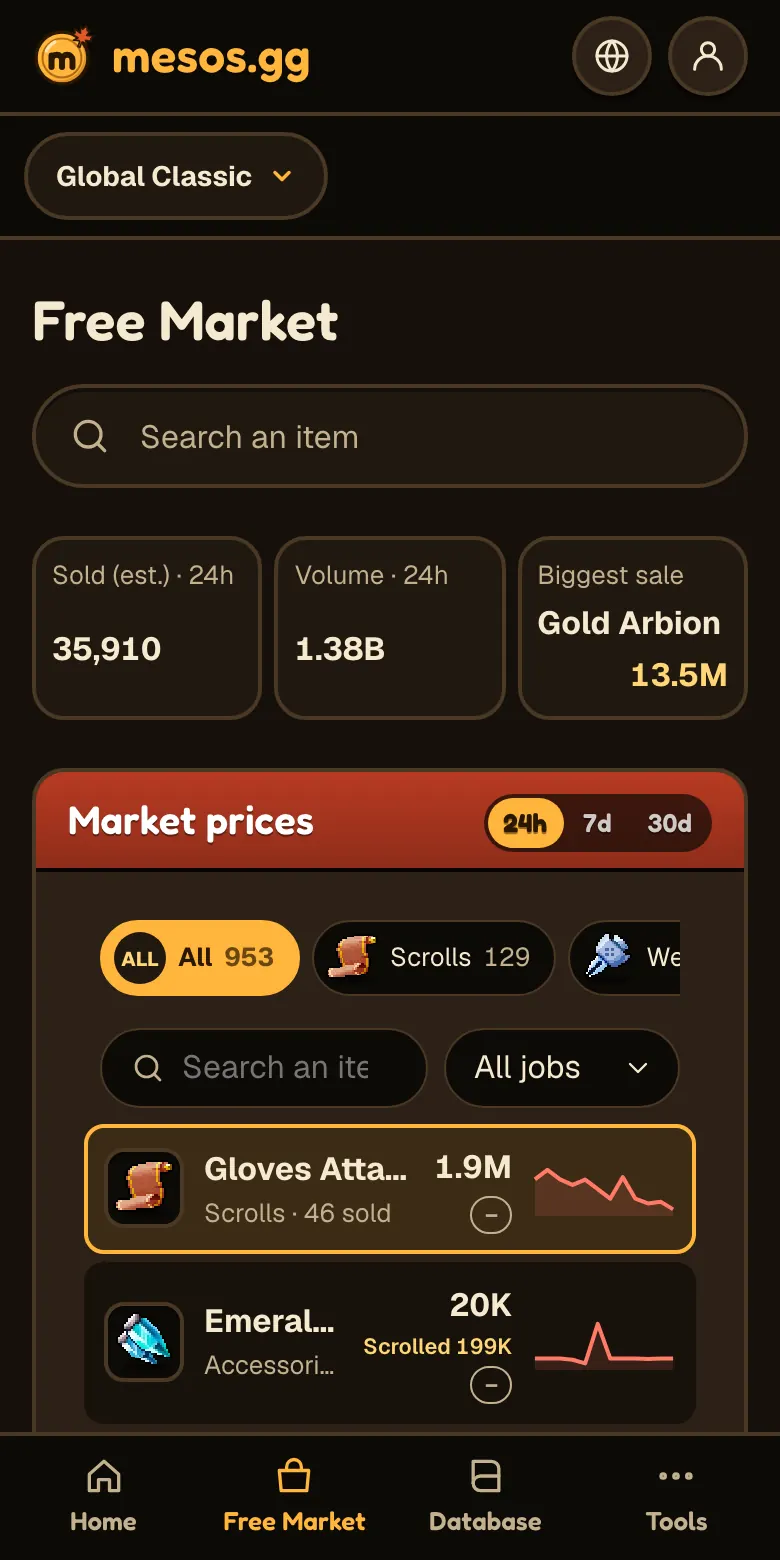
Along the top of the mesos.gg Free Market are cards for Sold (est.), Volume, Biggest sale and Listed now. On a phone you get the first three, without Listed now.
Below the cards, the Market prices list is sorted by volume, highest first. Tap any item for its prices and sellers.
Desktop opens them in a panel on the right, while a phone shows them at the top of the item page.